
Skip to content
JOYMODE Business Solutions

Industries · Construction Management

Technology for construction management firms that coordinate information for a living

Construction managers move RFIs, submittals, schedules, and documents between owners, designers, and trades. JOYMODE supports the platforms and connects the workflows behind that coordination.

Short answer

What technology matters most to a construction management firm?

Reliable document and project platforms, controlled sharing with outside parties, connected scheduling and reporting, secure identity, and dashboards that show the status of every project without manual assembly.
Short answer

Can RFI and submittal workflows be automated?

Parts often can—notifications, routing, status syncing, and reporting—depending on what each platform's APIs, licensing, and authorization allow.

Operational pain points

Where coordination work gets heavy

01

Manual status tracking

RFI and submittal status is copied into spreadsheets for meetings and owners.

02

Document sprawl

Drawings and records live in several places with inconsistent permissions.

03

External access

Owners, designers, and trades need access without opening everything.

04

Portfolio blind spots

Leadership lacks a consistent view across projects.

Technology systems

What the environment runs on

A CM firm's technology is centered on information flow: documents, schedules, communications, and reporting across many parties.

Document workflows

  • RFIs and submittals
  • Drawing and record management
  • Controlled external sharing

Schedules & coordination

  • Schedule data access
  • Meeting rooms and collaboration
  • Cross-platform notifications

Reporting

  • Project and portfolio dashboards
  • Scheduled owner reporting
  • Custom metrics and alerts

Identity & security

  • MFA and least privilege
  • Guest and vendor access
  • Secure file sharing

Users

  • Managed devices
  • Helpdesk
  • Onboarding by project

Integration

  • API connections
  • Data synchronization
  • Process mapping

Outcomes

What a well-built environment gives you

  • Less manual status reporting
  • Consistent document access and permissions
  • Portfolio visibility for leadership
  • Secure collaboration with outside parties
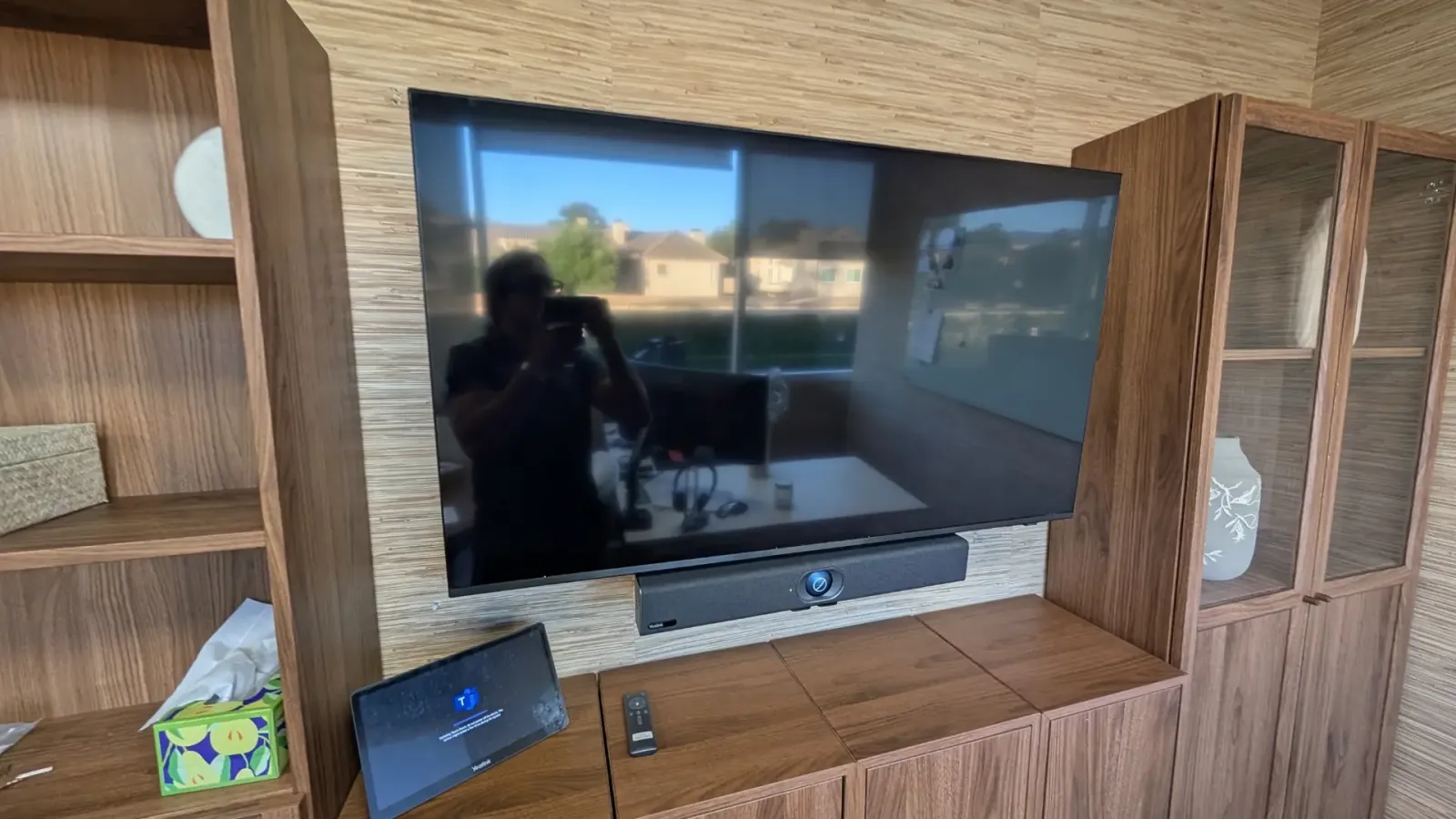
Wall-mounted display with Yealink video bar and Teams room touch controller in a built-in cabinet
JOYMODE work · Microsoft Teams room setup

FAQ

Frequently asked questions

Can you build owner reports automatically?

Often, depending on data sources and access. JOYMODE can consolidate data and schedule recurring reports.

How do you handle access for outside parties?

Through identity, guest access, and permission design within the platforms you use, aligned with your policies.

Do you replace our project platform?

Not usually. The goal is to support and connect the systems you already rely on.

Spending too much time moving project information by hand?

Tell us what you're opening, running, or fixing. We'll come back with practical next steps.