
Skip to content
JOYMODE Business Solutions

Industries · Cafés

Technology for independent cafés, from the first build-out onward

Opening or running a neighborhood café means owning a surprising number of connected systems. JOYMODE plans, installs, and supports them so the owner can focus on the room, the menu, and the people.

Short answer

What technology does a café need before opening?

At minimum: a business Internet circuit (ideally with a backup), a properly configured network with separate staff, guest, and POS segments, structured cabling to every fixed device, the connectivity your POS provider requires, phones, and camera coverage. Order the Internet early — circuit installation is often the longest lead-time item on a café opening checklist.
Short answer

Who supports the technology in a café after it opens?

Usually several vendors — the ISP, the POS company, a camera installer — with nobody responsible for how they connect. A managed technology partner gives the owner one first call and coordinates the right vendor when the problem sits with them.

Operational pain points

Where first-location cafés usually get stuck

01

Internet ordered too late

Circuit lead times collide with the opening date, leaving the café on a hotspot or delaying opening.

02

Consumer gear in a business

A retail router ends up running POS, guest Wi-Fi, and cameras on one flat network.

03

No one owns the whole picture

The contractor, ISP, and POS vendor each finish their piece; nobody confirms it all works together.

04

Nothing is written down

Passwords, circuit IDs, and equipment locations live in someone's phone — or nowhere.

Technology systems

What the environment runs on

The systems a typical independent café depends on, planned as one environment rather than a list of purchases.

Connectivity

  • Business Internet circuit
  • Backup Internet (cellular or second carrier)
  • ISP coordination and escalation

Network

  • Business-grade gateway and switching
  • Separate staff, guest, and POS networks
  • Wi-Fi sized to the seating area

Store systems

  • POS and payment connectivity
  • Phones and business messaging
  • Music and menu displays

Infrastructure

  • Structured cabling to fixed devices
  • Small rack or wall cabinet
  • Labeling and documentation

Security

  • Camera coverage of register, entry, and back door
  • Recording and remote viewing
  • Optional door access

Support

  • Remote and onsite support
  • Vendor coordination
  • Changes as the café evolves

Outcomes

What a well-built environment gives you

  • Technology ready before opening day instead of during it
  • One accountable partner for how the systems work together
  • A documented environment the next technician can understand
  • Room to add a second location without starting over
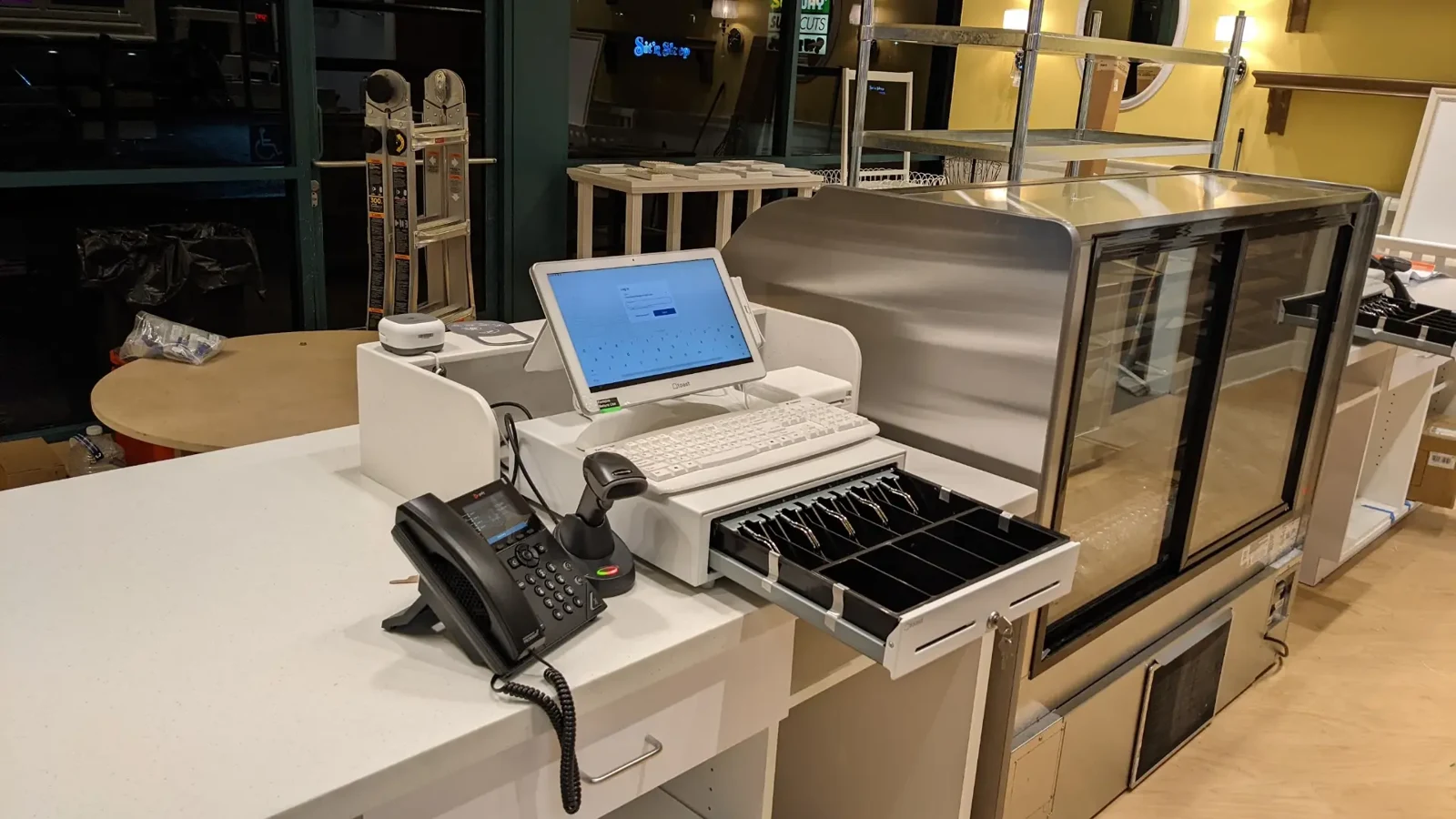
Service counter with POS terminal, cash drawer, scanner, and desk phone
JOYMODE work · Counter POS & communications

CafeOps by JOYMODE

Want it handled as one package?

CafeOps is JOYMODE's dedicated café technology solution — planning, buildout, opening readiness, and ongoing support from one team.

FAQ

Frequently asked questions

How early should a café start planning its technology?

As soon as the lease is signed and a layout exists. That is the right time to order Internet, plan cable runs before walls close, and confirm what the POS provider requires.

Can JOYMODE work with the POS system we already chose?

Yes. JOYMODE prepares the network, cabling, and connectivity the POS provider needs and coordinates with that provider; the POS software itself stays with its vendor.

Do we need backup Internet for a small café?

If card payments or online orders stop when the Internet drops, a backup connection is usually worth considering. JOYMODE can help weigh the options for your location.

Does JOYMODE only work with new cafés?

No. Existing cafés can be assessed, cleaned up, documented, and supported from where they are today.

Planning a café or fixing the one you run?

Tell us what you're opening, running, or fixing. We'll come back with practical next steps.